

Currently Empty: ₹0.00


ADCA Full Notes in Hindi and English 2026
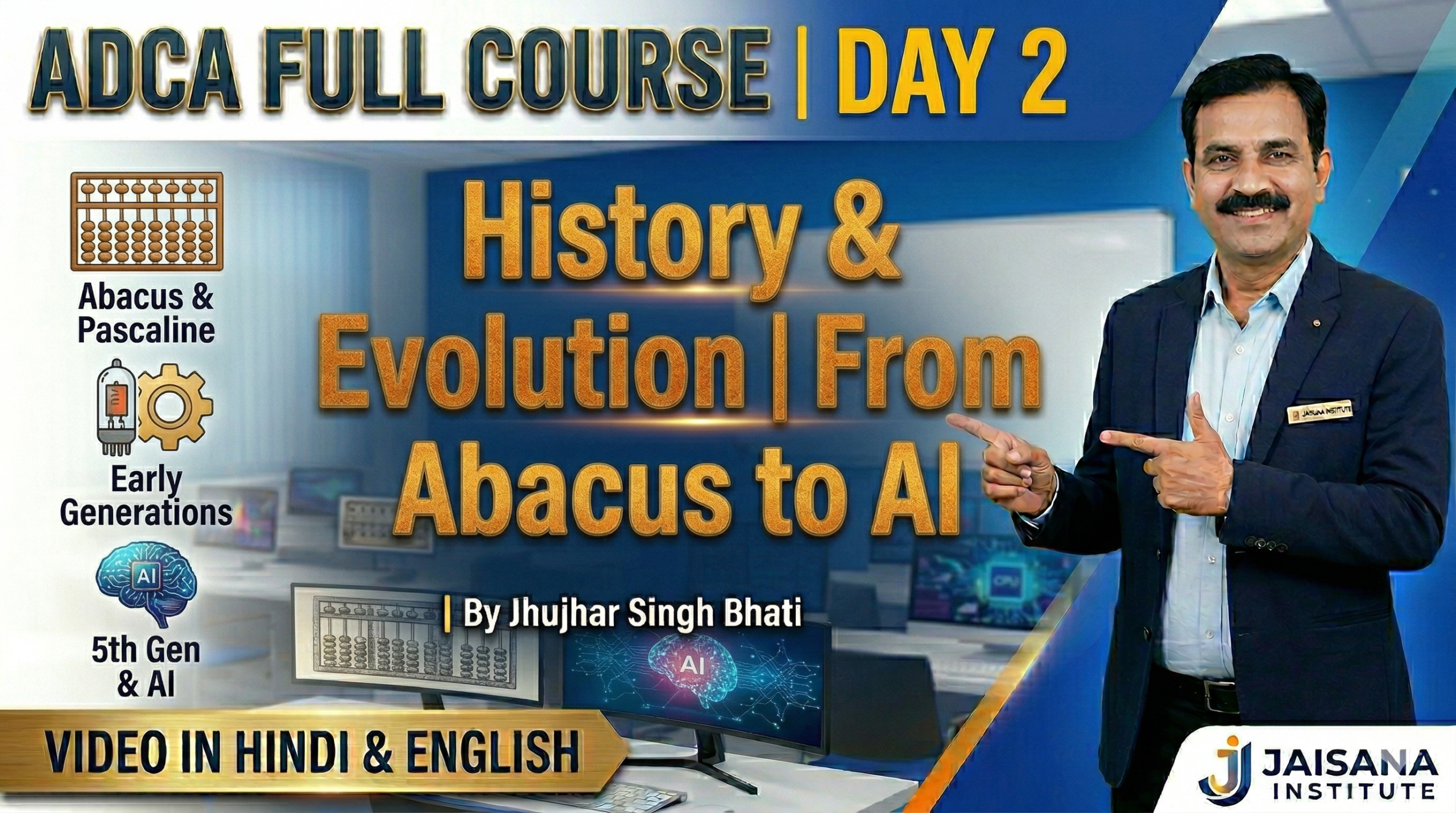
Day 2: History & Evolution of Computers | Abacus to 5th Gen AI | ADCA Full Course 2026 by Jhujhar Singh Bhati
1. What is a Computer? (Introduction)
When you hear the word “computing,” you probably think of your smartphone or a laptop. But did you know the word is actually much older than electricity? To compute simply means to find an amount or a number by calculation or reckoning. It is so important for us to study this history because it shows how human needs—like the need to trade fairly or map the stars—drove the invention of the incredible tools we use today.
Imagine trying to keep track of a thousand bags of grain using only your fingers. You would run out of hands pretty quickly! Humans invented computers for three main reasons:
- To count faster: Mechanical tools don’t get tired or distracted like humans do.
- To store more information: As cities grew, we needed to keep records of taxes and laws that were too big for one brain to remember.
- To solve hard problems: Some math problems are so “heavy” they need a machine to help carry the load.
Our journey into the world of computing doesn’t start with a power outlet; it starts with beads and stones.
——————————————————————————–
2. The Early Tools: Abacus and Pascaline
Long before we could “plug in” a device, humans used physical objects to count. Think of these as the very first versions of “hardware.” If you could move it with your hands, you could use it to calculate.
The Abacus
Invented about 2,500 years ago in China, the Abacus is often called the first computer. It is a simple frame with beads on rods. By sliding these beads back and forth, people can add, subtract, multiply, and divide. Even today, you can find shopkeepers in Asia using an abacus to calculate totals faster than some people can type them into a phone!
The Pascaline (1642)
In 1642, a brilliant 18-year-old named Blaise Pascal wanted to help his father, who was a tax commissioner, with his endless, exhausting math. He invented the Pascaline, a wooden box filled with metal gears and wheels. You would use a metal tool called a stylus to turn the wheels and input your numbers.
So What? The Pascaline was a huge deal because it was the first “automatic” carry-over machine. Have you ever struggled with “carrying the one” in long addition? The Pascaline did it for you! When a wheel moved from 9 to 0, a special mechanism called a sautoir used gravity to automatically nudge the next wheel forward by one.
These tools were great calculators, but they couldn’t “think” for themselves. For that, we needed the vision of a man who dreamed of a machine that could follow a recipe.
——————————————————————————–
3. Charles Babbage and the First “Real” Computer Design
In the 1800s, an English inventor named Charles Babbage—known as the “Father of the Computer”—realized that machines could do more than just crunch one set of numbers at a time. He first designed the Difference Engine, which was essentially a giant, steam-powered calculator. But he didn’t stop there. He soon dreamed up something even better: the Analytical Engine.
The Analytical Engine (1830s)
The Analytical Engine was the first design for a general-purpose computer. It was never finished because the parts were too expensive and complex for the technology of the 1830s, but its “blueprints” look just like a modern computer!
| Analytical Engine Part | Modern Computer Equivalent | Function |
| The Mill | Processor (CPU) | The “brain” that does the actual math. |
| The Store | Memory (RAM) | Where numbers and results are kept. |
| Punched Cards | Input | How you give the machine its instructions. |
Babbage had a brilliant partner named Ada Lovelace. She looked at the Analytical Engine and realized it could be used for more than just math—it could follow any set of instructions to create music or art. She wrote the very first “recipe,” or algorithm, for the machine, making her the world’s first computer programmer.
Eventually, these mechanical ideas met a new force of nature: electricity.
——————————————————————————–
4. The Five Generations of Electronic Computers
Modern computer history is split into five “generations.” With each new generation, computers became smaller, faster, and much cheaper.
Before we look at the generations, I want you to imagine the ENIAC, one of the first electronic computers. It weighed 30 tons. That’s like having five or six adult elephants standing in one room just to do math!
| Generation | Time Period | Main Technology | Key Feature |
| 1st Gen | 1940–1956 | Vacuum Tubes | Giant, room-sized, used massive power, and got very hot. |
| 2nd Gen | 1956–1963 | Transistors | Smaller, faster, and more reliable than vacuum tubes. |
| 3rd Gen | 1964–1971 | Integrated Circuits | Many electronic parts shrunk onto small silicon “chips.” |
| 4th Gen | 1971–Present | Microprocessors (VLSI) | Used Very Large Scale Integration (5,000+ transistors on one chip). Led to the PC revolution. |
| 5th Gen | At the Forefront | AI and Super-fast chips | Computers that use Artificial Intelligence to “learn” and “talk.” |
So What? This matters because of the incredible shrinking act computers performed. We moved from machines that filled a whole building (ENIAC) to the Microprocessor Revolution, which allowed a computer to fit on your desk, and eventually, in your pocket.
But how do these machines actually “talk” to each other? They use a language much simpler than ours.
——————————————————————————–
5. How Computers Talk: Bits, Bytes, and Binary
Computers don’t understand English or Spanish; they only understand electricity. Specifically, they understand if a switch is On or Off. We call this Binary Notation.
- 0 = Electricity is Off
- 1 = Electricity is On
The Student’s Computer Dictionary
- Bit: The smallest unit of info (a single 0 or 1).
- Byte: A group of 8 bits (equals one letter, like the letter ‘b’).
- Kilobyte (KB): About 1,000 bytes.
- Megabyte (MB): About 1 million bytes.
- Gigabyte (GB): About 1 billion bytes.
To turn these numbers into letters, computers use ASCII Code. Think of this as a secret codebook. Originally, it had 128 codes representing the English alphabet and punctuation. For example, when you type a capital “A,” the computer sees the binary code 01000001.
Today, we are creating so much binary data that our current “server farms”—those giant warehouses full of hard drives—are using too much power and taking up too much space. This has led scientists to look for a better way to store data, and they found it in the most natural place possible: inside us.
——————————————————————————–
6. The Future: Bio-Computing and DNA Storage
Our current computers use massive amounts of electricity just to stay cool. To solve this, scientists are turning to Bio-computing and DNA Storage.
DNA Data Storage
Instead of 0s and 1s, we can use the “code of life”—the four bases A, C, G, and T—to store data.
- Longevity: A hard drive might fail in 10 years, but DNA can last for thousands of years.
- Density: DNA is incredibly small. Imagine this: A tiny shoebox full of DNA could store all the data in a massive warehouse full of hard drives! (One gram of DNA can hold 215 million gigabytes).
Bio-Computing: Thinking in Parallel
Traditional computers are like a one-lane road; they solve problems one step at a time. Bio-computing is different. It uses Parallelism, where biological molecules collide and react all at once. This allows them to solve complex “optimization” tasks—like the Traveling Salesman Problem (finding the fastest route between many different cities)—much faster than a silicon chip ever could.
So What? Why does this matter for the Earth? DNA storage requires zero power to keep the data safe once it is “written.” It is the ultimate green technology for the future.
It’s amazing to think that as we move forward, the “next big hard drive” might actually be made of the same biological material that makes up our own bodies!