

Currently Empty: ₹0.00


ADCA Full Notes in Hindi and English 2026
Day 1: Information Theory & IPO: Definition of a Computer; Characteristics (Speed, Accuracy, Storage); The Input-Process-Output cycle
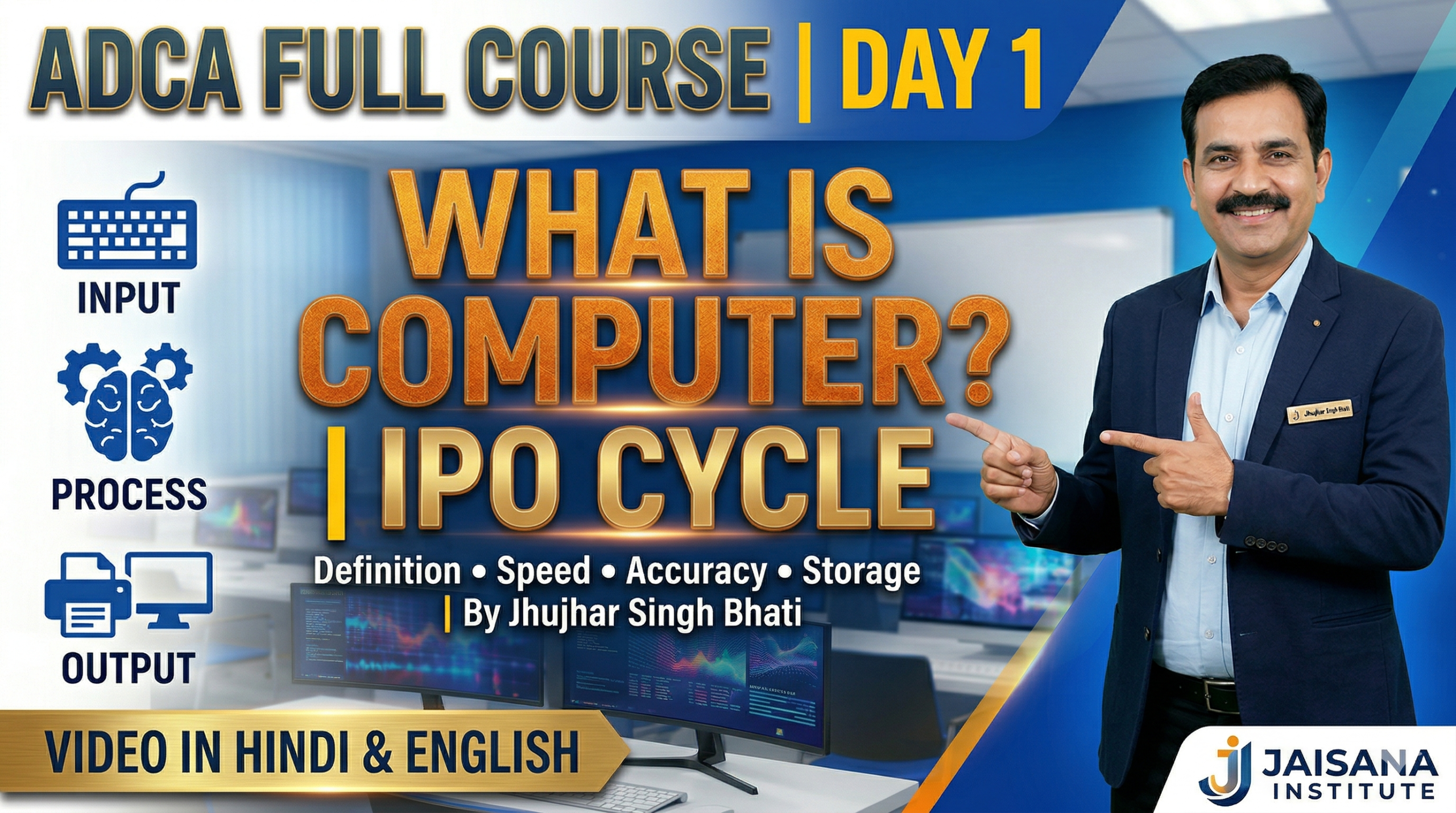
1. What is a Computer?
Welcome to the foundation of your modern education! Understanding what a computer is serves as the vital starting point for all learning today. In our information age, a computer is far more than just a glowing screen; it is a sophisticated tool specifically designed to solve problems and manage the vast flow of data that defines our world. By mastering how these machines function, you gain the literacy necessary to navigate and succeed in almost any professional field.
At its simplest, a computer is an advanced electronic machine that takes in “raw data”—simple, unorganized facts—and transforms them into something useful. It performs this task under the control of a “program,” which is a specific set of instructions that tells the computer exactly what to do. Beyond just processing, a computer can also save this work for future use. To truly understand how this machine works, we must first look at its basic “heartbeat” or cycle.
——————————————————————————–
2. The 3-Step Cycle: Input, Process, and Output
Every computer in the world, from the smartphone in your pocket to the largest supercomputer, follows a “golden rule” known as the Input-Process-Output (IPO) cycle. This is the strategic framework for how data moves through a system to become meaningful information.
- Input: Taking in raw data or commands from the user.
- Process: Changing that data into information using a set of instructions.
- Output: Showing the resulting information to the user.
For a more detailed look, copy these five steps into your notebook to understand how digital computers function:
- Takes: Receives data as input.
- Stores: Keeps data and instructions in memory for use as required.
- Processes: Converts raw data into useful information.
- Generates: Produces the final output.
- Controls: Manages and directs all four steps above.
Understanding this cycle helps us see why these machines are so helpful, but it also helps us recognize where they still need human guidance.
——————————————————————————–
3. Why We Use Computers: Strengths and Weaknesses
To get the most value out of technology, you must recognize what a computer does exceptionally well and where it still requires a human being to take the lead.
Advantages (The Good Things)
- High Speed: They work much faster than people, performing millions of calculations in seconds.
- Accuracy: Their work is 100% error-free, provided the input and instructions are correct.
- Storage: They can remember huge amounts of data, including images, text, and video.
- Diligence: They never get tired, bored, or lose concentration.
- Versatility: They can do many different jobs at once, from solving math to playing games.
- Reliability: Modern electronic parts have long lives and are designed for easy maintenance.
- Automation: They can perform tasks automatically without human interaction once a program is stored.
Disadvantages (The Limits)
- No I.Q.: It cannot think for itself or make decisions; it only follows the orders it is given.
- Dependency: It is fully dependent on humans to tell it what to do.
- No Feelings: It cannot make judgments based on taste, emotions, or experience.
Because computers are so useful despite these limits, they have evolved significantly through five distinct generations.
——————————————————————————–
4. The History of Change: 5 Generations of Computers
“Generations” represent big jumps in technology that made computers smaller, faster, and cheaper over time.
| Generation | Time Period | Main Technology |
| 1st Generation | 1946–1959 | Vacuum Tubes |
| 2nd Generation | 1959–1965 | Transistors |
| 3rd Generation | 1965–1971 | Integrated Circuits (ICs) |
| 4th Generation | 1971–1980 | VLSI Microprocessors |
| 5th Generation | 1980–Present | ULSI Microprocessors / AI |
A Closer Look: The First Generation (1946–1959)
To appreciate your laptop, remember that the first computers, like the ENIAC, UNIVAC, and IBM-701, were very different:
- They were huge, often filling an entire room.
- They were very expensive, affordable only by large organizations.
- They used vacuum tubes, which generated extreme heat and broke down frequently.
——————————————————————————–
5. The “Body” of the Computer: Key Hardware Parts
“Hardware” refers to the physical parts you can touch. Each part has a specific job to keep the system running.
- CPU (The Brain): Does the thinking and follows the instructions.
- Motherboard (The Hub): The main board that connects all parts. Its size is called its “Form Factor” (such as ATX or MicroATX).
- RAM (Short-term Memory): Stores data the computer is using right now for fast work.
- Storage (Hard Drive/SSD): Stores your files and photos forever (long-term).
- PSU (Power Supply): Gives the computer the electricity it needs to wake up.
- GPU: Renders the graphics and images you see on your screen.
- Cooling Systems: Uses fans or heat sinks to keep the parts from overheating.
——————————————————————————–
6. The Master Plan: Von Neumann Architecture
Almost all computers follow a design called the Von Neumann model, which organizes the computer’s “organs” into four main parts:
- Central Processing Unit (CPU): This contains the Control Unit (to sequence operations) and the Arithmetic Logic Unit (ALU) (to do the math and logic).
- Memory: Holds both the data and the instructions.
- Input/Output: Allows the computer to talk to the outside world.
- Bus: The physical path that data travels on between these parts.
The Von Neumann Bottleneck
This design has one major limit called a “bottleneck.” Imagine a narrow tube where data has to wait its turn. Because the instructions and data share the same common bus, they cannot be fetched at the same time. This often forces the fast CPU to wait, which can slow the computer down.
——————————————————————————–
7. Computers in Our World Today
Computers have moved from giant labs to every corner of our lives. Here are four areas where they are essential:
- Banking: We use automated ATM machines to manage money and check balances instantly.
- Education: We use Computer Based Education (CBE), which involves the control, delivery, and evaluation of learning to help students succeed.
- Healthcare: Hospitals use computers to track patient records and perform specialized tests like ECG, EEG, and Ultrasounds.
- Military: Computers are vital for military communication, operation planning, and controlling smart weapons.
As you go through your day, think about how you use these machines in your own life—from your phone to the tools in your classroom—to help you solve problems and learn new things.